Workflows — automations running on my server
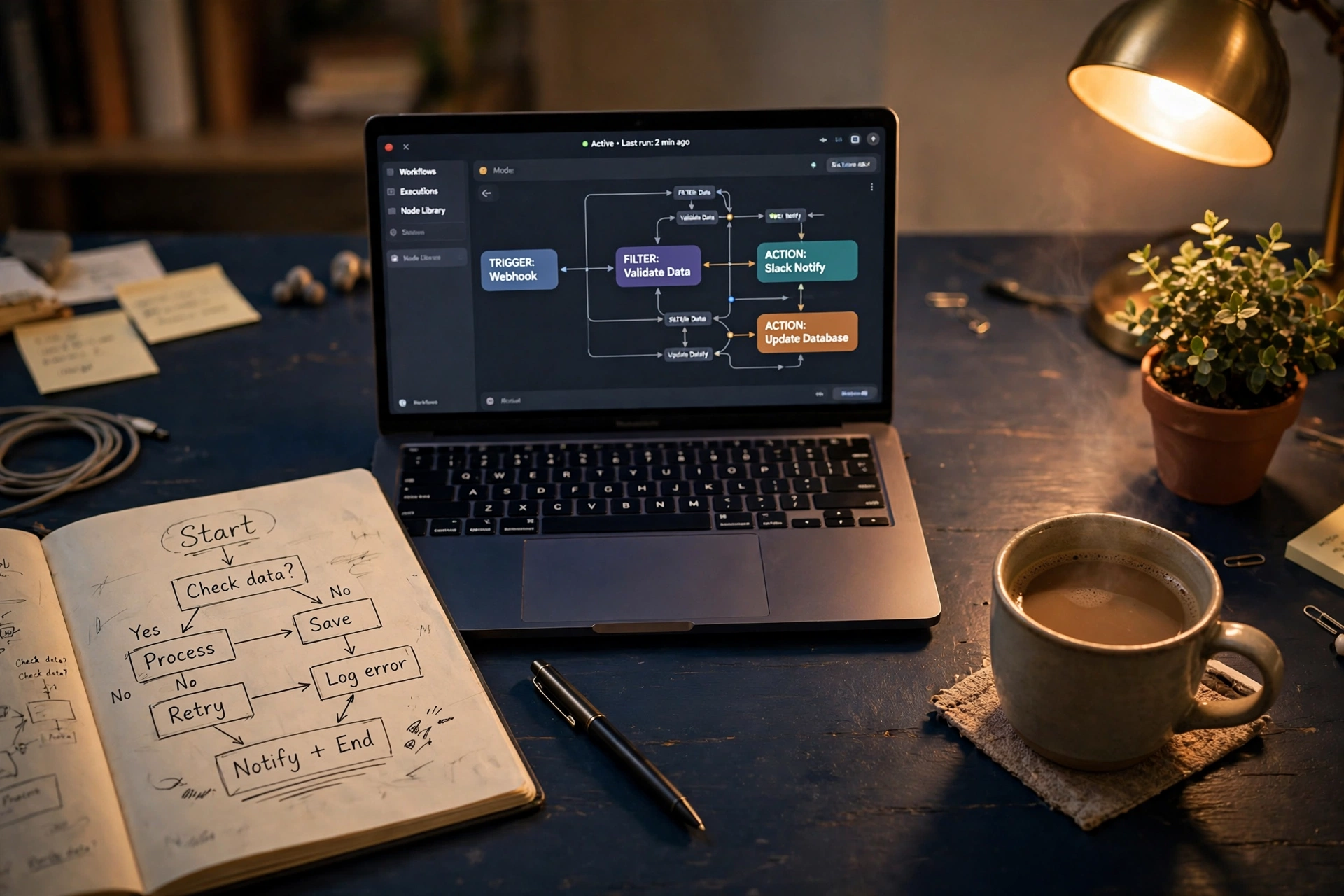
These are not mock-ups. Each workflow below is live on my own cloud server, built with n8n and connected to real Gmail, Google Calendar, Drive, Sheets, Trello, and Slack accounts. They are the same patterns I set up for clients — organised here from everyday essentials to advanced AI systems. Several entries are families of automations rather than single workflows.
By the numbers: 31 live automations (30 business systems + 1 content factory) · 4 Slack alert channels · 1 Trello command board · permanent records in Google Sheets · nightly backups of everything.
How my system is organised
Every automation reports into one tidy structure, so nothing is ever lost in a chat thread: Slack channels by topic — #assistant-inbox for system alerts, #leads for inquiries, bookings and approvals, #finance for invoices, bills and expenses, #content for content production. Trello holds the work itself — every lead, action item and booking becomes a card with an owner and a due date. Google Sheets keeps the permanent records — agreements, decisions, applicants, invoices. Alerts are the doorbell; the board and the sheets are the filing cabinet.
Level 1 — Everyday Essentials
1. Zero Inbox — AI Email Triage
The Problem: a busy inbox mixes client inquiries, bills, receipts and noise in one long list. Important mail waits behind unimportant mail, and sorting it all by hand eats the first hour of every day.
What I Built: an automation workflow that reads every new email and classifies it with AI into Action Needed, Inquiry, Finance & Bills, or FYI. Each message gets the matching label; everything except Action Needed is archived out of the inbox, and Action Needed also raises an alert so it is seen the same day. Nothing is ever deleted — the human stays in charge of every decision.
The Result: the inbox opens each morning already sorted — action items visible, finance filed, noise out of sight. This runs on my own mailboxes every day, and it is the same system I install for clients who want their mornings back.
2. Template Request & Delivery — Ready-Made Templates, Sent Automatically
What it does: a client emails me with “Template Request” in the subject and names the template they need. AI matches the request against my template library, attaches the right file, and sends a personalised delivery email within about a minute — then logs the delivery to Slack. An unknown request gets a polite reply listing what is available.
Ready-made templates, free on request: 📄 SOP Template (Word) · 🧾 Invoice Template (Word) · 🤝 Service Agreement Template (Word) · 📦 SOP Sample Pack (PDF). Just email [email protected] with the subject Template Request and the template name.
Why a client cares: your clients get professional documents instantly, any hour — and you never dig through folders again.
3. Invoice & Receipt Tracker
The Problem: invoices and receipts arrive scattered through email — different vendors, currencies and formats. Copying them into a spreadsheet by hand is slow, easy to get wrong, and usually postponed until tax time turns it into a crisis.
What I Built: an automation workflow that watches for invoice and receipt emails, reads each one with AI, and extracts the vendor, date, invoice number, amount and currency into a tidy row in a tracking spreadsheet. A confirmation is posted to a finance channel, so every entry is visible the moment it lands.
The Result: the tracker stays current on its own — no manual data entry, no hunting through email threads for a missing receipt. When it is time to review spending, the record is already complete.
4. Document Filer & Classifier — Attachments to Drive
What it does: emails with attachments are filed automatically into a “Client Documents” folder in Google Drive — and then Gemini’s vision AI actually reads the attachment, works out what kind of document it is (invoice, contract, ID, screenshot, spreadsheet…), writes a one-line summary with the key details, and reports it to Slack.
Why a client cares: documents stop living (and getting lost) inside email threads.
5. Daily Morning Briefing
What it does: every weekday at 7:00 AM (Asia/Riyadh), it gathers today’s Google Calendar events, my Google Tasks, and the Riyadh weather forecast, formats them into one clean briefing, and emails it to me.
Why a client cares: start every day with one summary instead of five apps.
6. Uptime Alerts — A Watchdog That Never Sleeps
What it does: my Uptime Kuma watchdog monitors nine services every minute — the automation engine (checked twice, internally and at its host door), the AI assistant, the workspace, this website from inside and from the public internet, the booking page, and the server itself. If one goes down (or comes back), it posts the alert to Slack within the minute.
Why a client cares: problems are announced in under a minute — not discovered by an unhappy customer.
Level 2 — Business Systems
7. Client Inquiry → AI Triage, Trello Card & Slack Alert
The Problem: a new client inquiry that sits unread in an inbox is a job quietly going to someone else. When inquiries share a mailbox with bills, newsletters and spam, the money emails are the easiest ones to miss.
What I Built: an automation workflow that reads every incoming email and categorises it with AI — new inquiry, existing client, bill, newsletter or spam — and scores genuine inquiries for urgency and fit. A real lead instantly becomes a Trello card, titled with its score and given a due date, with a Slack alert linking straight to the card. Spam and scams are flagged and never become cards.
The Result: no inquiry waits in an inbox again. Within moments it is a tracked task with an owner and a deadline, and the follow-up happens because the system made it visible — not because someone happened to remember.
8. Client Onboarding Kit
What it does: when a new client signs up, one trigger sends the welcome email with the service agreement attached, sends the first invoice in a second email, creates a client card in Trello, and logs the agreement in a tracking sheet. If the signed agreement is not back in three days, the tracker reminds me to chase it — and logs the return when it arrives.
Why a client cares: every new client gets the same polished first impression, with zero manual admin.
9. Booking Flow — Every Booking Becomes a Prepared Task
What it does: the moment a client books a call on my Cal.com page, the booking becomes a Trello preparation card in the Leads list, with a Slack alert in #leads and a confirmation in my inbox — before I’ve even seen the calendar invite.
Why a client cares: no meeting ever arrives unprepared — the brief, the card, and the reminder exist from the second the booking is made.
10. Meeting Notes → Actions & Decision Log
What it does: email the meeting notes to the system and AI extracts the summary, every decision, and every action item with its owner and due date. Action items become Trello cards, a recap email goes back to the sender, and decisions are appended to a permanent, searchable Decision Log sheet. Decisions can also be logged with a single email — subject: “DECISION: …”.
Why a client cares: nothing agreed in a meeting is ever lost, and “what did we decide last month?” takes seconds to answer.
11. Executive Support Pack — Calendar Guardian, Chasers & Reports
What it does: a family of quiet assistants working the board and the calendar: a Calendar Guardian that sends a short AI brief before every meeting; a Follow-Up Chaser that lists due and overdue Trello cards every morning; a Weekly Client Report compiled every Friday; a Client Dashboard that snapshots board health into Google Sheets daily; and monthly Expense Summaries and Board Packs assembled from the trackers automatically.
Why a client cares: the follow-up work executives always mean to do — done daily, without being asked.
12. Nightly Backups → GitHub
What it does: every night, automatically, my password vault and my entire server — this website, all of these workflows, the databases and the settings — are copied to private GitHub repositories. If the server ever failed, everything could be rebuilt from these copies.
Why a client cares: your work never lives in one fragile place. Backups are a habit, not a hope.
Level 3 — Advanced AI Workflows
13. Hiring Support, Lead Follow-Ups & the Gatekeeper
What it does: applicants are scored 1–5 against the job requirements and shortlisted to a sheet with strengths and gaps; new leads receive warm follow-up drafts on days 1, 3 and 7 (always as drafts in my inbox — a human sends them); and meeting requests are scored by the Gatekeeper and presented in Slack with one-tap Approve / Decline links — approve sends the booking link, decline sends a polite no.
Why a client cares: your pipeline and your calendar are protected by a system, not by memory.
14. AI Support Desk & Voice Drafting — AI That Asks First
What it does: client questions are answered by AI using only my own SOP knowledge base — and the draft lands in my inbox for approval before anything is sent. The same engine drafts email replies in my own tone (short, clear, diplomatic) from any email I forward it. Nothing reaches a client without a human tap.
Why a client cares: AI speed with human judgement — the safe way to automate communication.
15. Job Fit Scorer — AI Screening Against Your Criteria
What it does: send it any job posting and Gemini scores how well the role fits my background, 1–5, with the matching strengths, the honest gaps, and a hard eligibility check — a posting that demands a degree I don’t have, US work authorisation, or residence in a specific country is marked NOT ELIGIBLE instead of wasting an application. The verdict is posted to Slack and returned as data my job-hunt tracker can use.
Why a client cares: the same pattern screens applicants, leads, or documents against your criteria — consistently, in seconds, with the reasoning shown.
16. Document QA — Pass or Fail
What it does: an AI document inspector in the style of pharmaceutical document control. Send it an SOP or business document and it checks completeness, the document-control header (ID, version, owner, date), structure, consistency, and clarity — then returns a PASS or FAIL verdict with a score and a list of findings, posted to Slack. Leftover placeholders and missing headers fail automatically.
Why a client cares: documents get a tireless first review before a human ever sees them — errors are caught at the gate, not by your customers.
17. AI Micro-Drama Production Pipeline
What it does: a fully automated content-production pipeline for a vertical micro-drama series: an AI script factory writes a new episode script every day to a strict format (scene flow, dialogue, production notes), delivers it by email and Slack, and tracks the episode counter across a full multi-act season — while a companion pipeline assembles voice, visuals and video into finished episodes.
Why a client cares: proof the same automation skills scale from office admin to creative production — a content factory that runs itself daily.
18. Travel Desk — Trip Planning That Negotiates by Email
What it does: a client emails a trip request — destination, dates, cabin class, hotel taste. AI extracts the details and builds the options: flights across Google Flights, Skyscanner, Kayak, Momondo and Trip.com; hotels across Booking.com, Agoda, Expedia and Airbnb; plus worthwhile sights for their free time. The client receives one tidy email with live booking links — never invented prices. If they reply with changes (“make it 5-star”, “move the return a day”), the desk remembers the whole trip, re-searches, and sends updated options — as many rounds as it takes. The moment the client replies APPROVED, a BOOK NOW card lands on my Trello board with urgent Slack and email alerts, so the booking is made within minutes.
Why a client cares: a travel assistant with a perfect memory that handles the whole back-and-forth while you sleep — and only bothers you at the moment money moves.
19. Meeting Poll Desk — Scheduling Without the Email Ping-Pong · NEW
What it does: when a client needs a meeting with several people, the desk creates a voting poll whose time options are already converted into every participant’s own timezone, emails the voting link to everyone, and tracks the votes. The winning time becomes a real Google Calendar invitation to all participants — and everyone who voted for a different slot receives a polite note explaining the schedule was chosen by the group’s vote. The polling engine is Rallly, an open-source scheduling app I host on my own server. It was chosen over Doodle deliberately: Doodle offers no way to automate it (there is no API to connect), while Rallly plugs straight into my workflows, voters need no account to vote, and every voter sees the options in their own timezone automatically.
Why a client cares: the “when is everyone free?” dance across three timezones — gone. One poll, one winner, one invitation.
Built on n8n, hosted on my own server — so there are no per-task platform fees. Already using Zapier, Make or Power Automate? The same automation designs can be rebuilt on your stack: the logic transfers, even though the files themselves are platform-specific.
Want one of these for your business? →
#20 The Admin Desk App — One Window for All Your Tools · COMING SOON
A desktop app I am designing and building: connect Trello, Slack, Notion, ClickUp and Google with your own logins and see everything in one calm dashboard — no more twenty open tabs. Buy it once, it runs on your own machine, and your data stays yours. A Premium edition adds a private door to your own server, powered by Tailscale. Status: in development — the first version already runs my own studio today.
#21 The Planner System — Nothing Falls Through the Cracks
My own week runs on the same discipline I would bring to your business: a structured calendar with reminders before every commitment, task boards for every project, and an automatic nightly check that flags anything planned but unfinished — plus a forward review that spots overloaded days before they cause a delay. Practised daily on my own projects, ready for client work.